Naori on your phone: how to put it on your home screen
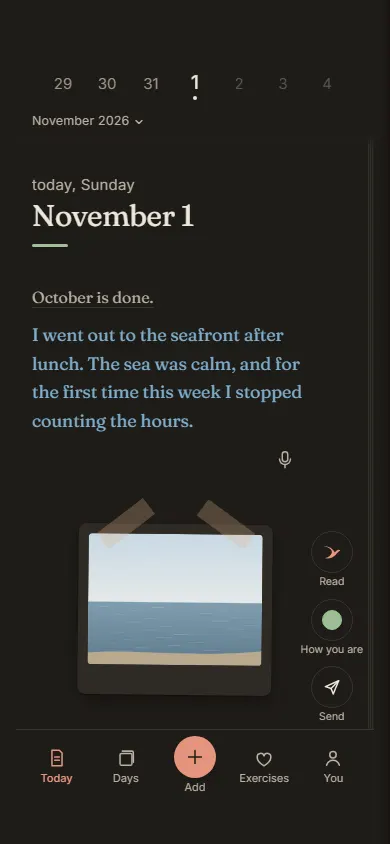
Naori opens in the browser, at naori.app, with nothing to download. On your home screen it has its own icon and opens like an app, full screen.
On Android, in Chrome: open naori.app, tap the three dots in the top corner, then “Install app” or “Add to Home screen”.
On iPhone, in Safari: open naori.app, tap the share button (the square with the arrow pointing up), then “Add to Home Screen”. On iPhone, notifications only come with Naori on your home screen.
On a computer, in Chrome or Edge: the install icon in the address bar.
And from inside Naori: under “You”, at “Put Naori on your home screen”.
On a second device, your journal opens once you add it from “Your account”, at “Open from another phone or computer too”.
Open today’s page