How do I keep my journal safe
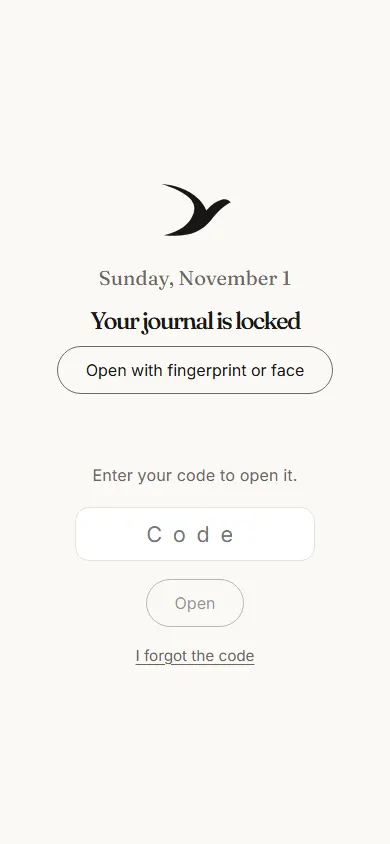
Your Naori journal opens with your fingerprint, face or screen lock, like a banking app. On a phone that can’t, it opens with a journal password you choose, at least 12 characters long.
What you write, your photos, drawings, the colour of the day and the body map are locked on your phone before they leave it. They reach the server already locked: not even Naori can read them. Naori sends nothing from your journal to any AI model.
Because only you have the key, three things help you not lose your journal.
Keep the backup key Naori gives you, somewhere only yours. With it you open your journal if your fingerprint no longer works or if you have forgotten your password.
Open your journal on a second device too, from “Your account”. If you lose every device it opens on and the backup key, not even Naori can open it.
Every now and then, take your journal as a file, also from “Your account”: you get everything you have written, with the photos and drawings.
After two minutes outside the app, your journal locks itself. You can delete it completely, at any time, from “Your account”. Naori uses no cookies and has no ads.
Open today’s page